
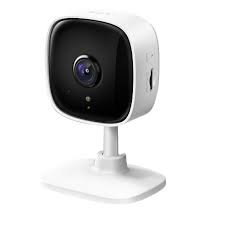
Get Your Camera Up and Running
Follow these simple steps to connect your camera, configure your Sync Module, and mount your device.
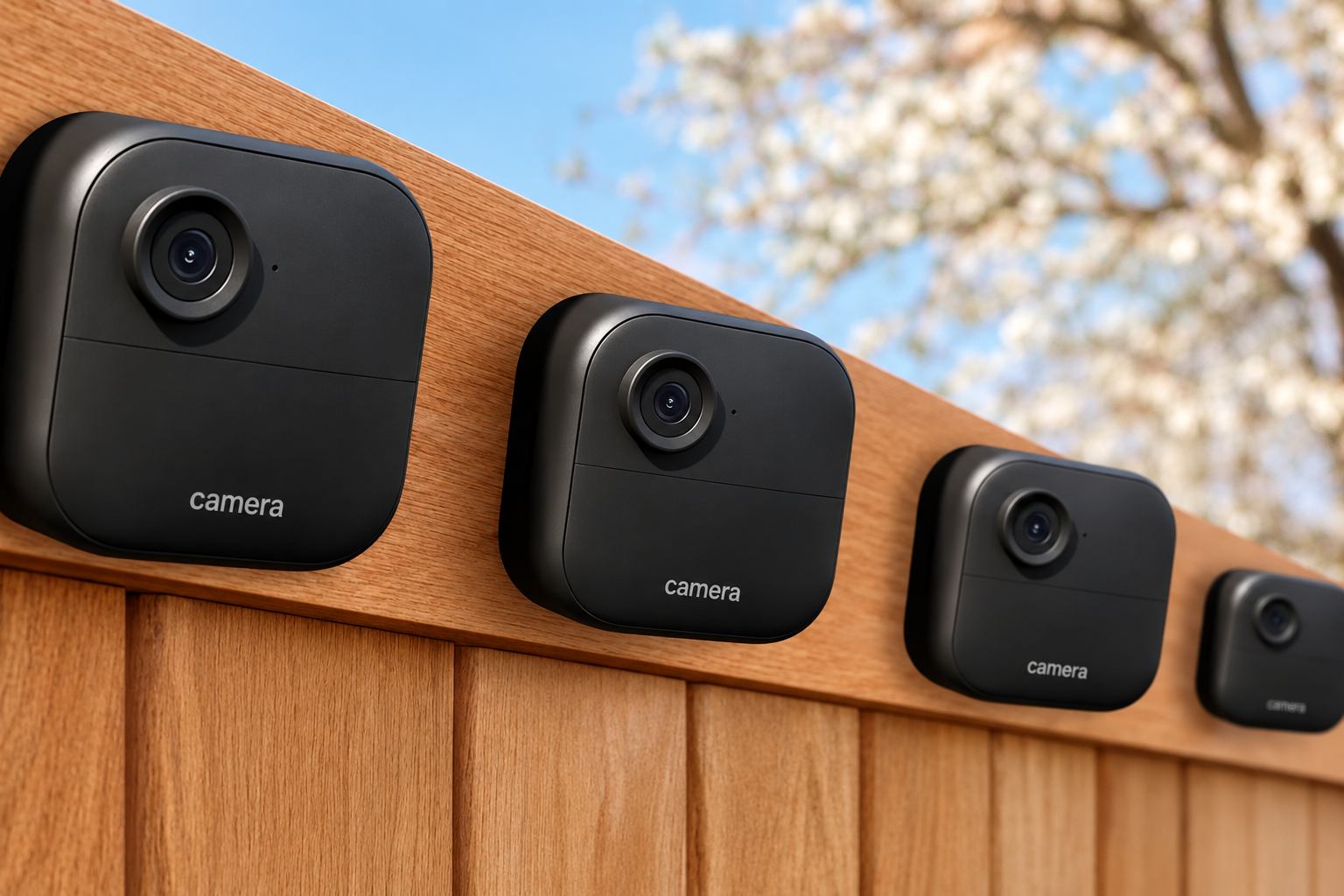
Download the App and Set Up the Sync Module
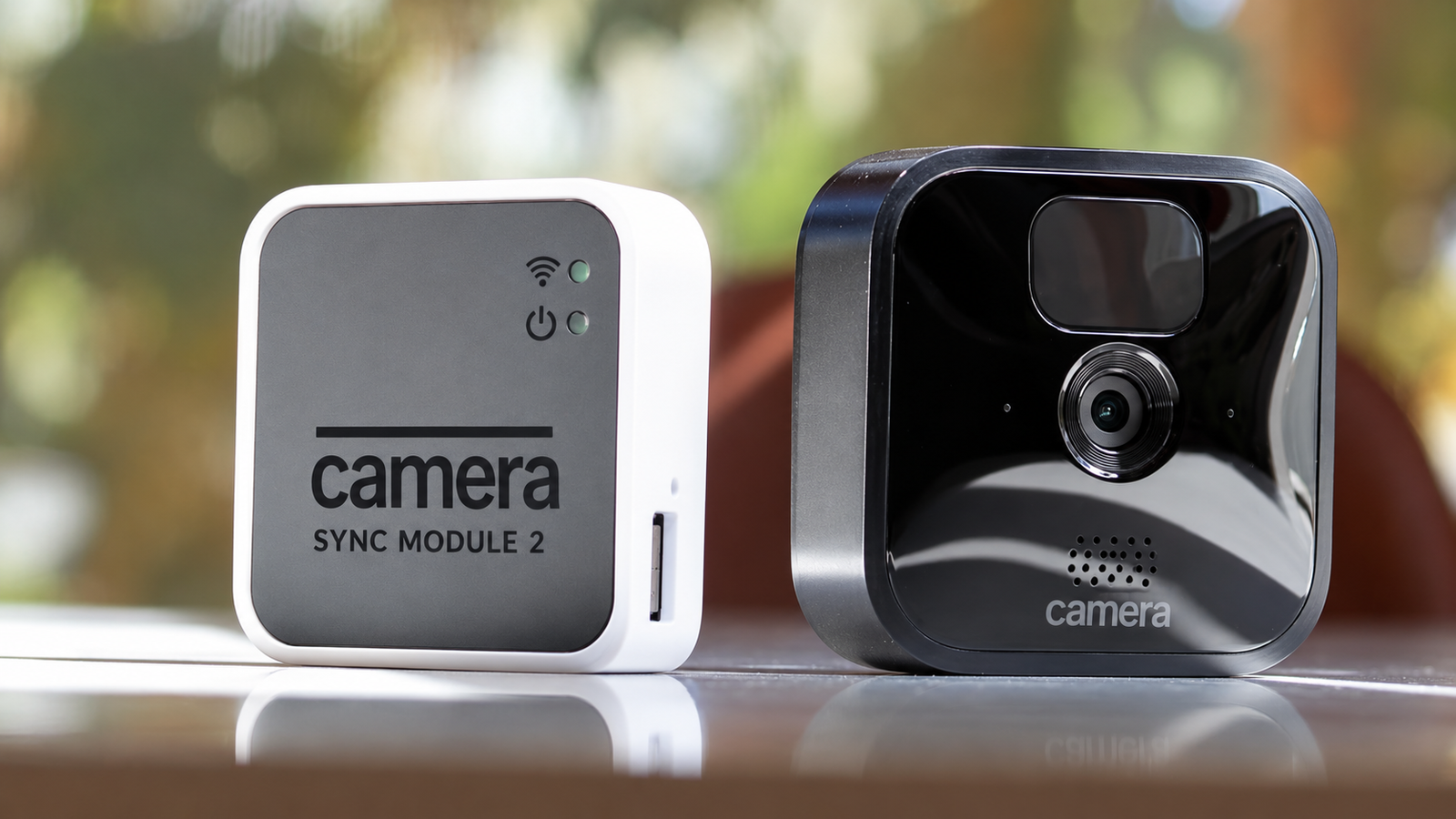
Start by downloading the mobile app and connecting your Sync Module to your home Wi-Fi network.
- Download the app from your mobile device's app store and log in or create a new account.
- Plug in your Sync Module and wait until the indicator light blinks blue and turns steady green.
- Tap the + icon in the top-right corner of the app and select Sync Module.
- Scan the QR code on the bottom of the Sync Module or enter the serial number manually.
- Follow the on-screen instructions to join the Sync Module's Wi-Fi network.
- Connect the Sync Module to your home Wi-Fi network and complete the setup.
Helpful Setup Videos
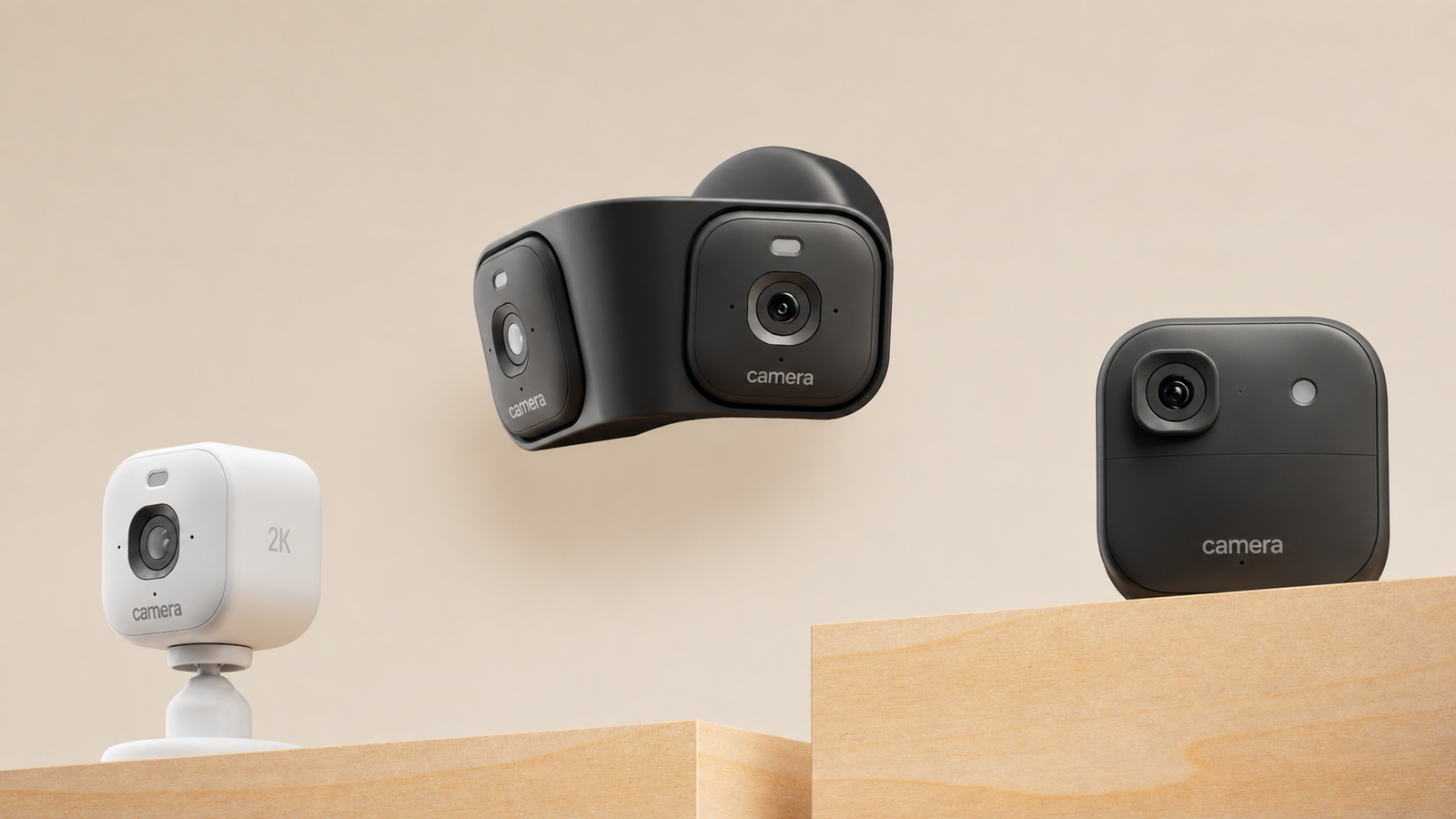
Add Your Camera
Add your camera to the app and connect it to the Sync Module.
- Tap the + icon again on the app home screen.
- Select your camera type, such as Wireless Cameras or Mini Camera.
- If you are setting up a battery-powered outdoor model, open the back cover using the included tool.
- Insert the required lithium batteries.
- Scan the QR code located inside the back cover or on the device.
- Select the system or Sync Module you want to connect the camera to.
- Keep the camera within approximately 7 feet of the Sync Module during the initial connection and firmware update.
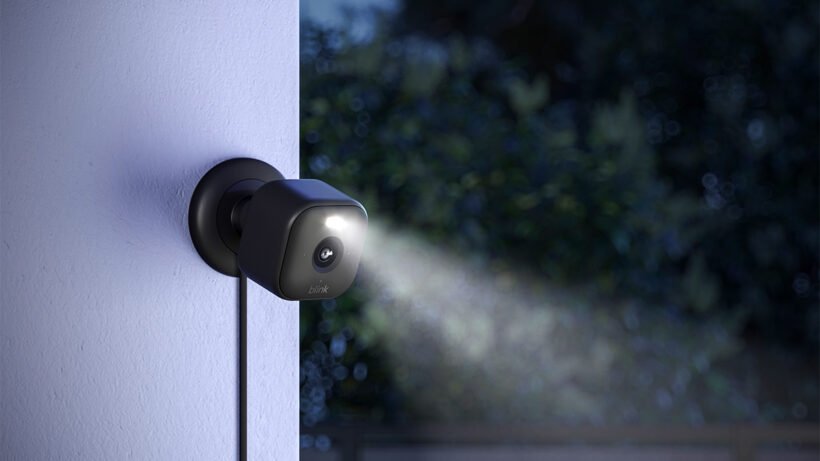
Mount and Test the Camera
Once the camera has been successfully added, mount it and test the live video feed.
- Securely close the back cover of the camera.
- Use the provided mounting kit and screws to attach the mount to a wall or ceiling.
- Snap the camera onto the mounting bracket.
- Open Live View in the app and adjust the camera angle.
- Test the camera to make sure the video feed and connection are working correctly.
Disclaimer
We provide this website solely as an informational installation guide to assist users with setting up their camera devices.
The use of brand names, logos, trademarks, or product images on this website is for reference and identification purposes only. It does not imply, suggest, or represent any business relationship, partnership, sponsorship, or affiliation with the respective brand owners.
All trademarks, names, logos, and images belong to their respective owners. We have no affiliation or association with these brands or third-party organizations.
This website provides informational assistance only and does not sell products or services. If your product is under warranty, you may be eligible to receive support directly from the respective manufacturer or brand owner.
We are not the manufacturer of the products described on this website and are not affiliated with the respective brand owners.
For official product information, warranty details, and manufacturer support, please visit the appropriate official manufacturer website directly.
